Education
Selenium Test Automation: A Definite Practitioner’s Guide
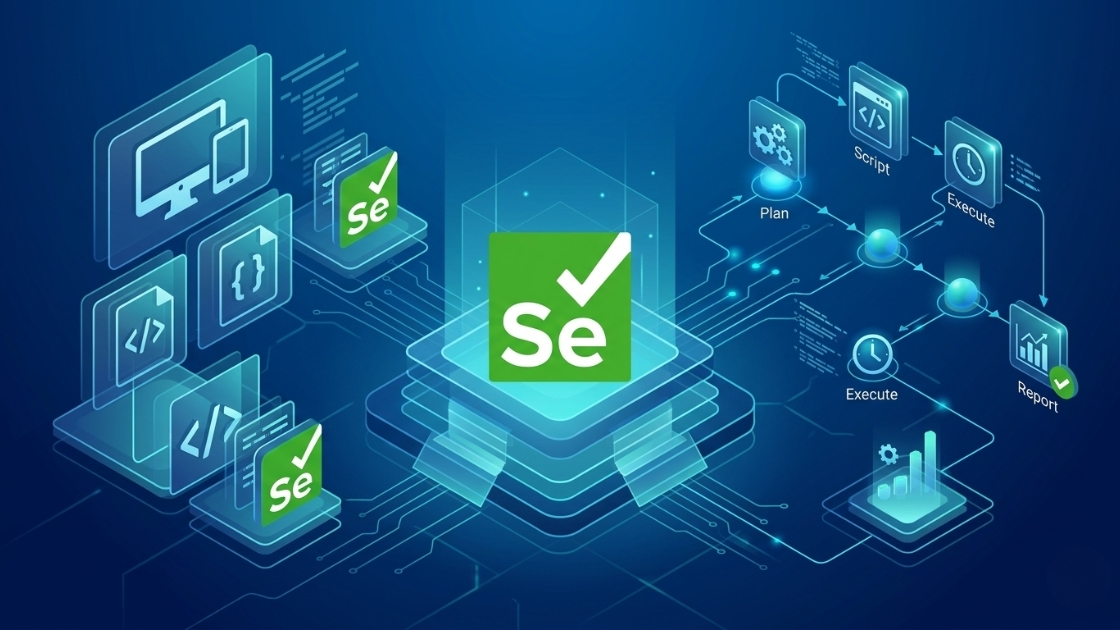

Few tools in software engineering have had the longevity, adoption, and community depth of Selenium. Created in 2004 by Jason Huggins as an internal tool at ThoughtWorks, Selenium has grown into the most widely used browser automation framework on the planet, and it shows no sign of stepping down.
But “widely used” does not mean “always used well.” The difference between a Selenium suite that delivers confidence and one that consumes sprint after sprint in maintenance comes down to a handful of architectural and strategic decisions. This guide covers all of them.
The global Test Automation Services market is projected to reach US$109.69 billion by 2025, with Selenium continuing to anchor most enterprise web automation programs worldwide.
Selenium is not a single tool; it is an umbrella project composed of four distinct components, each serving a different purpose in the automation lifecycle.
|
Component |
What It Does |
Best For |
|
Selenium IDE |
Browser extension for recording and replaying test steps |
Beginners, exploratory testing, bug reproduction |
|
Selenium WebDriver |
Programmatic browser control via the W3C WebDriver protocol |
Production-grade automated test suites |
|
Selenium Grid |
Distributed parallel execution across browsers and machines |
Cross-browser testing, large regression suites |
|
Selenium Manager |
Automatic browser driver management (since Selenium 4.6) |
Eliminating manual ChromeDriver setup headaches |
The engine that powers virtually every serious Selenium implementation is Selenium WebDriver. It communicates with browsers through the W3C WebDriver specification, a standardized, language-neutral protocol that means your test code works the same way in Chrome, Firefox, Edge, and Safari.
With newer tools like Playwright and Cypress attracting significant attention, it is fair to ask: why is Selenium still the framework of choice for so many enterprise QA teams?
Selenium supports Java, Python, C#, JavaScript, Ruby, and Kotlin. No other browser automation framework comes close to this breadth. Enterprise teams with mixed-technology stacks: a Java backend, a Python data pipeline, and a .NET microservice can write all their Selenium tests in the language their engineers already know.
Two decades of adoption mean that virtually every Selenium problem has already been solved somewhere on Stack Overflow, GitHub, or a QA forum. The ecosystem of supporting libraries, CI/CD integrations, and cloud execution grids (BrowserStack, LambdaTest, Sauce Labs) is unmatched.
Selenium runs natively on Chrome, Firefox, Edge, and Safari. For enterprise applications with broad browser coverage requirements, particularly banking, healthcare, and government applications, Selenium remains the most reliable choice.
Getting started with Selenium has become dramatically easier since Selenium 4.6 introduced Selenium Manager. An automatic driver management tool that eliminates the need to manually download and configure ChromeDriver, GeckoDriver, or any other browser driver.
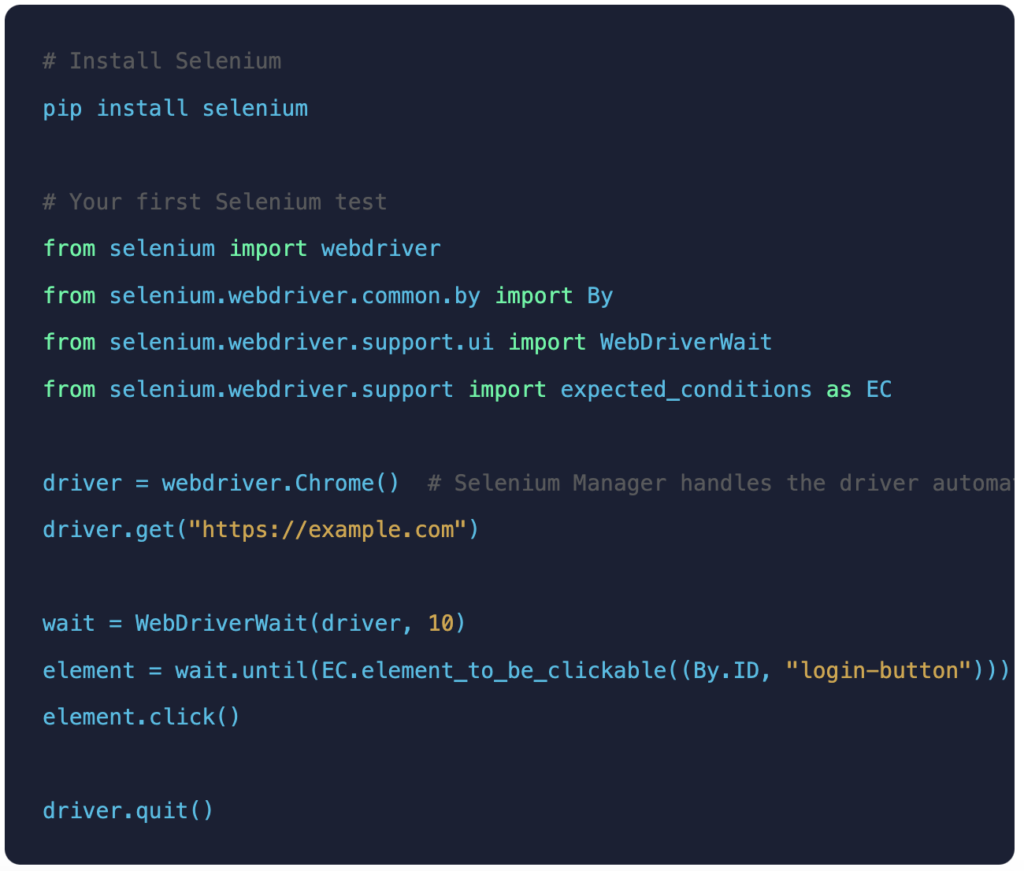
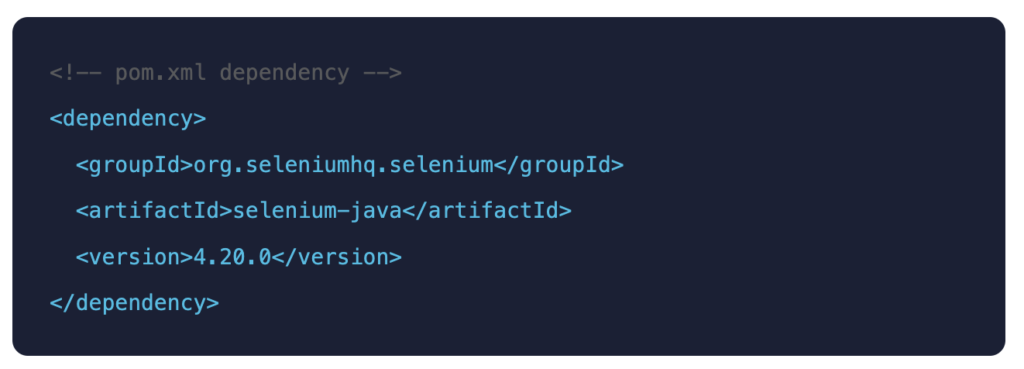
Pro tip: Always use Selenium 4; Selenium 3 reached end of life. Selenium 4 brings native W3C WebDriver, relative locators, improved DevTools Protocol access, and Selenium Manager for automatic driver management. There is no reason to stay on Selenium 3.
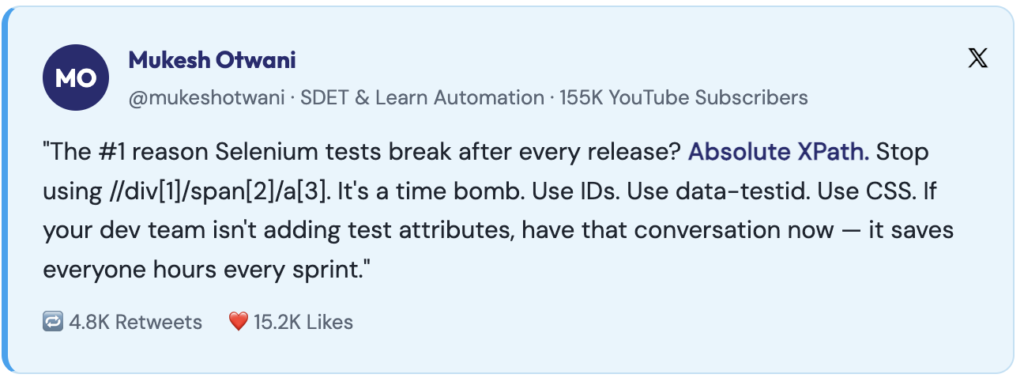
Your locator choices are the single biggest determinant of whether your Selenium suite stays maintainable for years or collapses after the first UI redesign. Choosing stable locators like id, name, or data-* attributes dramatically reduces test flakiness. These attributes are designed to be stable and are rarely changed during UI updates.
|
Priority |
Locator Type |
Stability |
Notes |
|
⭐⭐⭐⭐⭐ |
id |
Highest |
Always prefer when available — unique, fast, stable |
|
⭐⭐⭐⭐ |
data-testid / data-cy |
Very High |
Purpose-built for testing — never removed in production |
|
⭐⭐⭐ |
name |
High |
Good for form elements |
|
⭐⭐⭐ |
CSS Selector |
Medium-High |
Faster than XPath, more readable |
|
⭐⭐ |
Relative XPath |
Medium |
Flexible but can break on restructuring |
|
⭐ |
Absolute XPath |
Very Low |
Avoid entirely — breaks with any DOM change |
Page Object Model: Your Framework Backbone
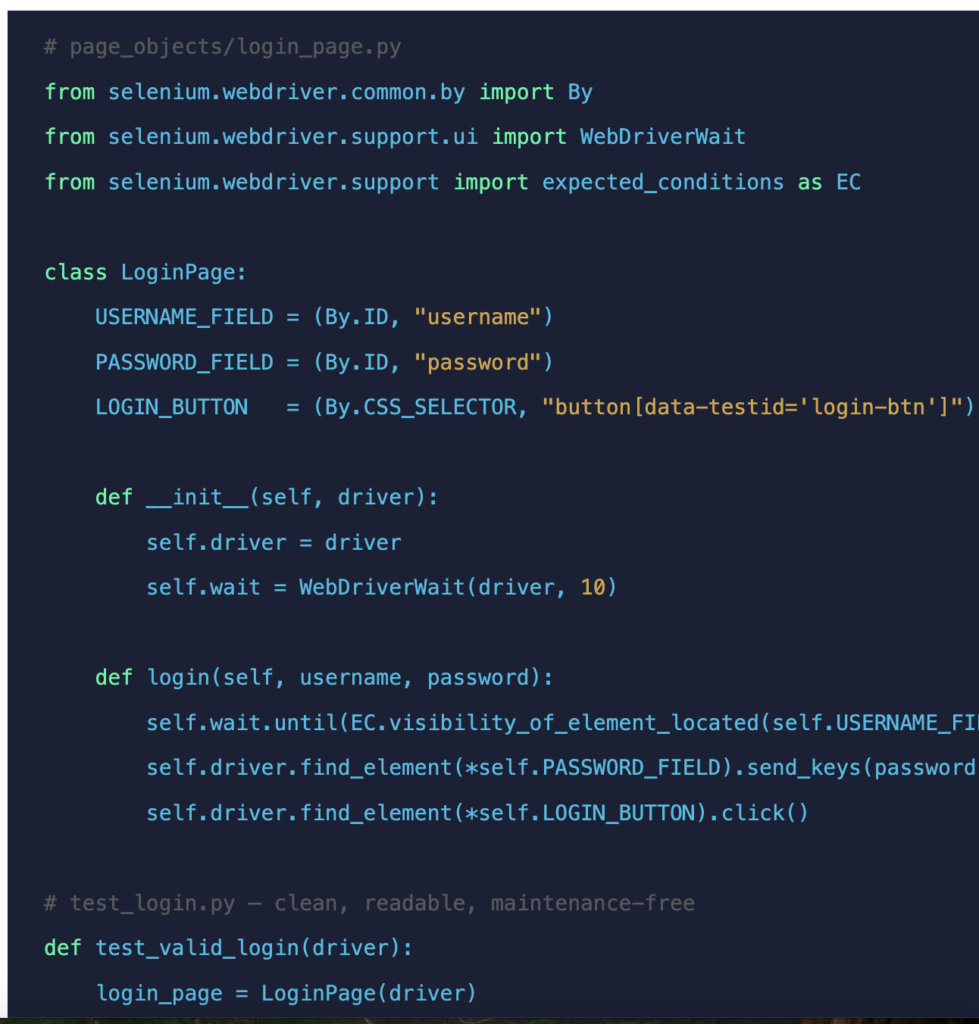
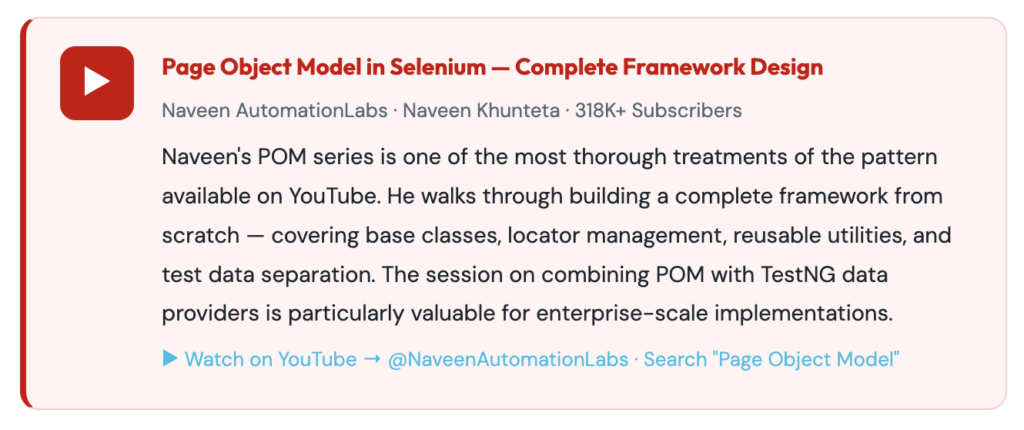
The Page Object Model (POM) is the most important design pattern in Selenium automation. It solves the single biggest long-term problem with test automation: maintenance. Without POM, a locator used in 50 test scripts needs to be updated in 50 places when the UI changes. With POM, it is updated in one.
Each web page (or significant page component) becomes a class. The class encapsulates all the locators and user interactions for that page. Test scripts call methods on these classes; they never reference locators directly.
Waits Done Right: Eliminating Flakiness at the Root
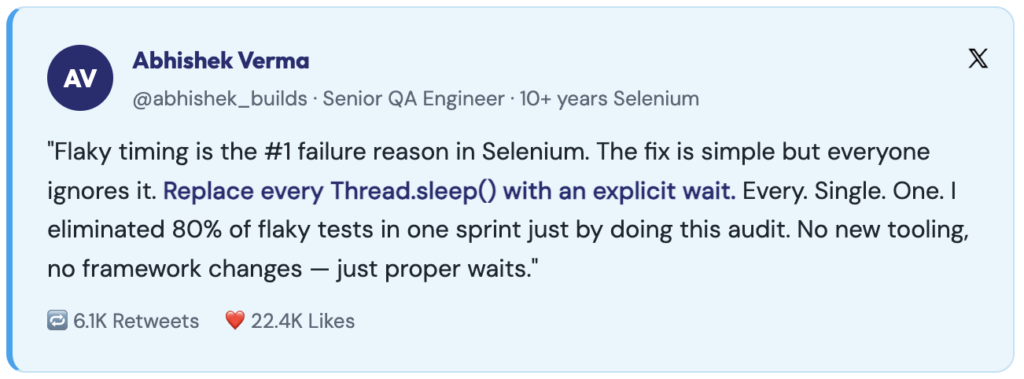
If you ask any experienced Selenium engineer what causes most test failures, the answer is almost always the same: timing. Modern web applications are dynamic elements that load asynchronously, animations play, and API responses vary. Selenium does not automatically wait for any of this.
|
Wait Type |
How It Works |
When to Use |
Verdict |
|
Implicit Wait |
Global timeout applied to every find_element call |
Simple suites with consistent load times |
Use with caution — can mask real issues |
|
Explicit Wait |
Wait for a specific condition on a specific element |
Dynamic content, SPAs, async loading |
✅ Always prefer this |
|
Fluent Wait |
Explicit wait with configurable polling interval and exception ignoring |
Elements with irregular appearance timing |
✅ Best for complex dynamic scenarios |
|
Thread.sleep |
Hard pause — blocks execution entirely |
Never |
❌ Never use this in production tests |
Selenium Grid and Parallel Execution
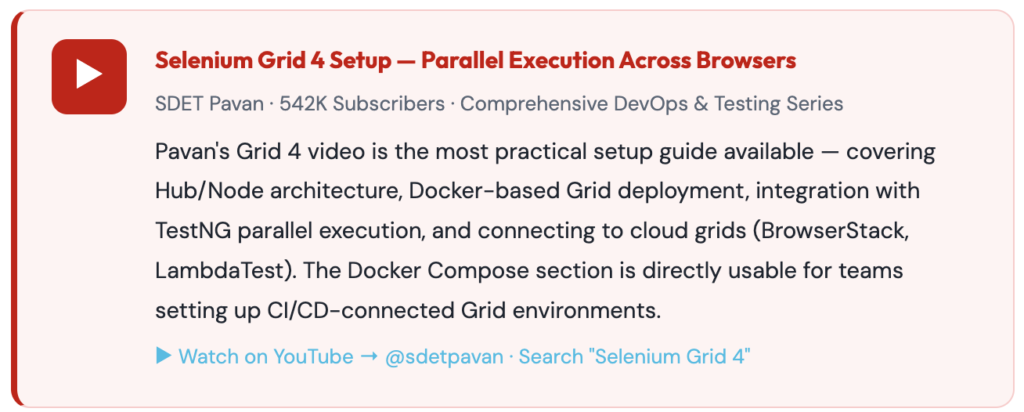
Running your entire test suite sequentially is the fastest way to make automation a bottleneck rather than an accelerator. Selenium Grid 4 (the current architecture) solves this by distributing tests across multiple browsers, browser versions, operating systems, and machines simultaneously.
Grid 4 consists of three components: a Router (entry point), a Distributor (allocates sessions to nodes), and Nodes (machines running browsers). You point your test suite at the Grid endpoint instead of a local browser, and Grid handles the rest.
Pro tip: Teams using Selenium Grid to run tests in parallel across browsers and environments routinely reduce regression cycles from multiple hours to minutes, making same-day feedback loops achievable for large suites.
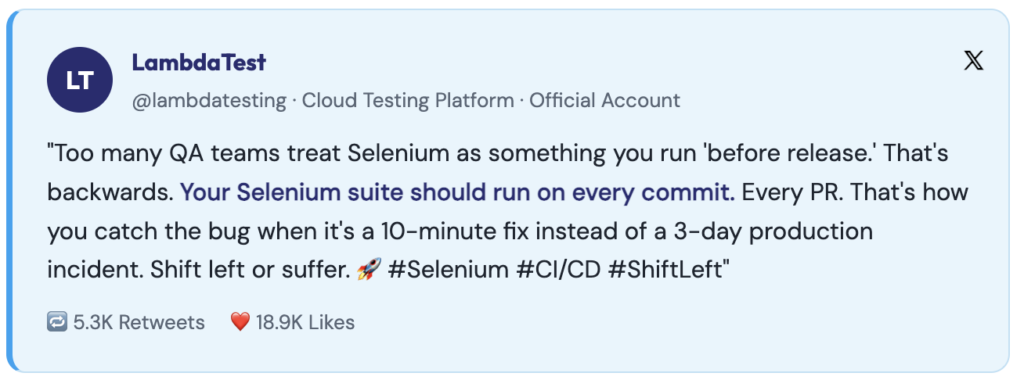
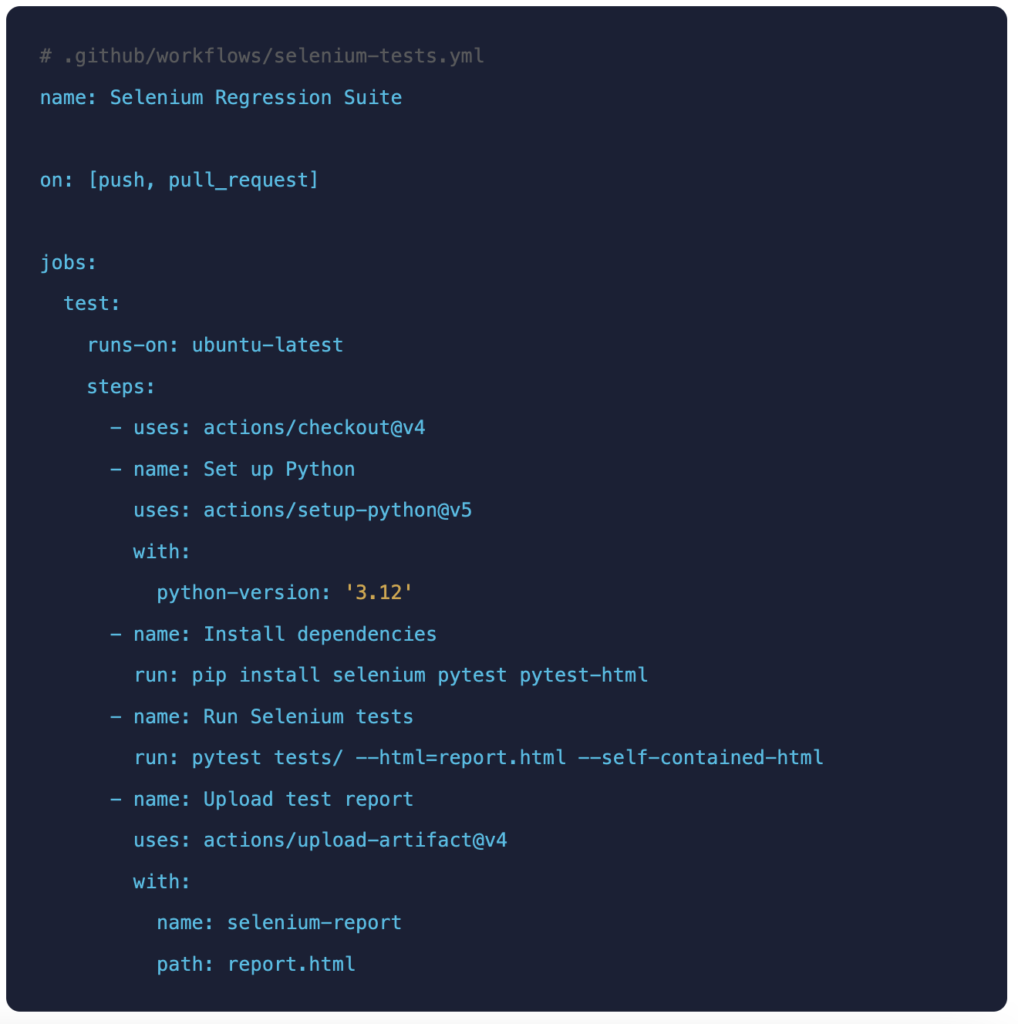
A Selenium suite that only runs when someone manually triggers it is delivering a fraction of its potential value. The highest-ROI decision in any automation programme is integrating tests into the CI/CD pipeline so every code change is automatically validated.
Hard-coded sleeps are the most common cause of flaky tests. They pass when the system is fast, fail when it is slow. Replace every single one with an explicit wait. No exceptions.
Absolute XPaths like //html/body/div[2]/div[1]/form/input[1] break with any DOM restructuring, any A/B test, any new component. Use IDs, data-testid attributes, and relative CSS selectors.
Starting without POM feels faster until the UI changes, and you’re updating the same locator in 40 test files. The investment in POM pays back within the first refactoring cycle.
Teams using Selenium Grid to run tests in parallel across browsers, versions, and environments often reduce regression cycles from multiple hours down to just minutes. Sequential execution is the time you are giving back to the developers as wait time.
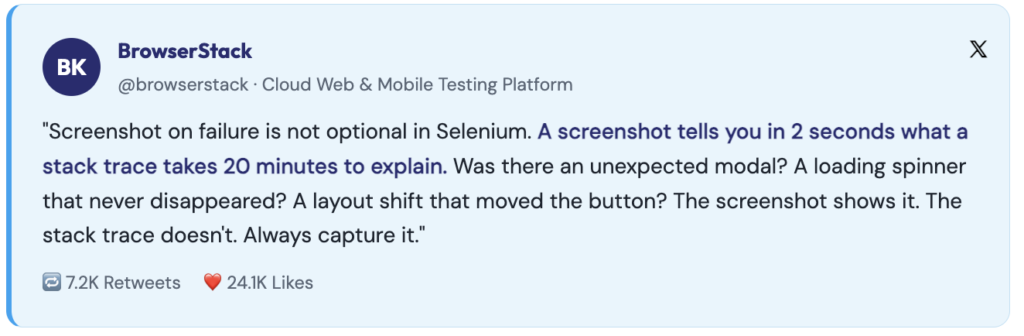
A test failure without a screenshot is a mystery. Implement a listener that automatically captures the browser state on every failure; it turns a 30-minute debugging session into a 2-minute one.
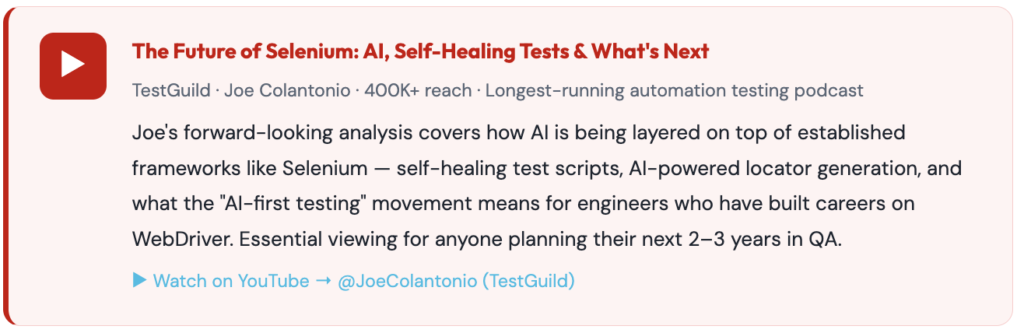
Selenium is not standing still. The ecosystem around it is actively evolving to address the challenges that modern QA teams face, and AI is a central part of that evolution.
AI-powered tools built on top of Selenium can now detect when a locator has become stale and automatically find the correct element using visual similarity, text content, and DOM context. This directly addresses the maintenance overhead that has historically been Selenium’s biggest weakness.
Tools like Qualitrix’s Nogrunt platform use Gen AI to read user stories, acceptance criteria, and application screens and generate Selenium-compatible test cases and scripts automatically. This reduces the time to write a new automated test from hours to minutes.
Rather than running the full regression suite on every commit, AI-driven tools analyze code changes and predict which tests are most likely to catch regressions, running a focused subset first and escalating to the full suite only when needed.
Selenium is not a legacy tool you use because there are no alternatives. It is a foundational tool you use because it gives you precise, programmatic control over browsers in every language, on every platform, in every CI environment, with the deepest ecosystem of supporting tools, training, and community knowledge in the industry.
The teams that struggle with Selenium are the ones that skip the architecture. The teams that thrive are the ones that invest in Page Object Model from day one, write proper explicit waits, use stable locators, and run tests in parallel from the moment the first script works.
Ready to scale beyond Selenium scripts?
Move from basic automation to an AI-led, enterprise-grade test automation strategy.
Talk to a QE expert and see how you can reduce regression cycles and improve release confidence.

Future Begins With Trust
A 30-minute conversation with an engineer who has done this before — not a sales call. We will tell you what we would do differently, whether or not you work with us.